Session for iPhone
Get back to work when you said you would.
Pick a return time and the apps that tend to pull you in. When the alarm rings, Focus Lock blocks those apps.
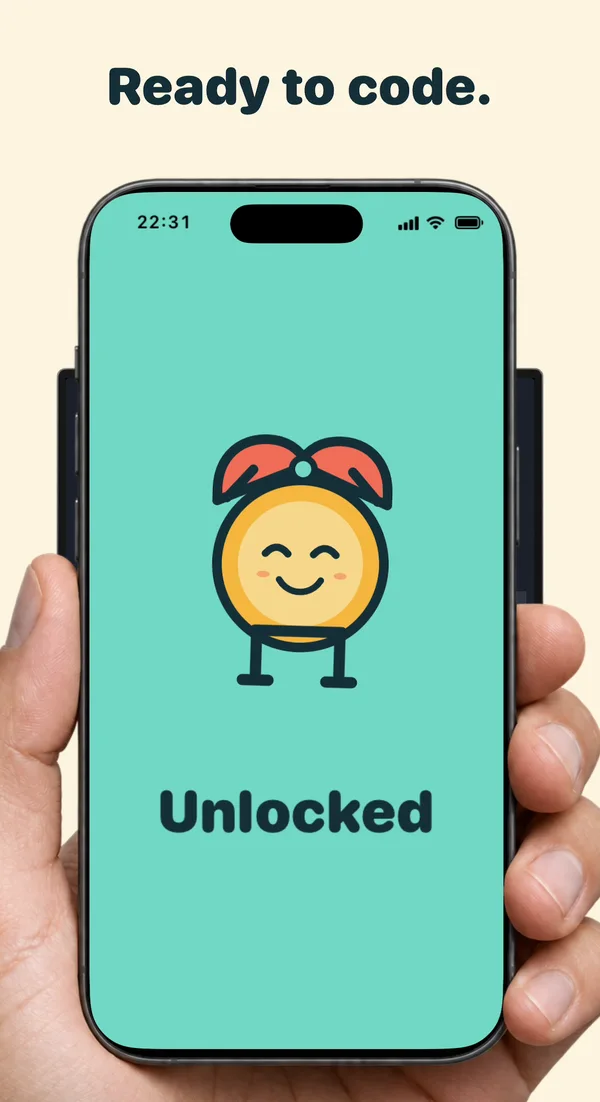
Back at your desk? Scan a supported Codex or Claude Code usage screen to clear the block.
How Focus Lock works
Take a break and pick up where you left off
Step 01
Set a time to come back
Choose the time you want to be back at your desk and set a return alarm.
Step 02
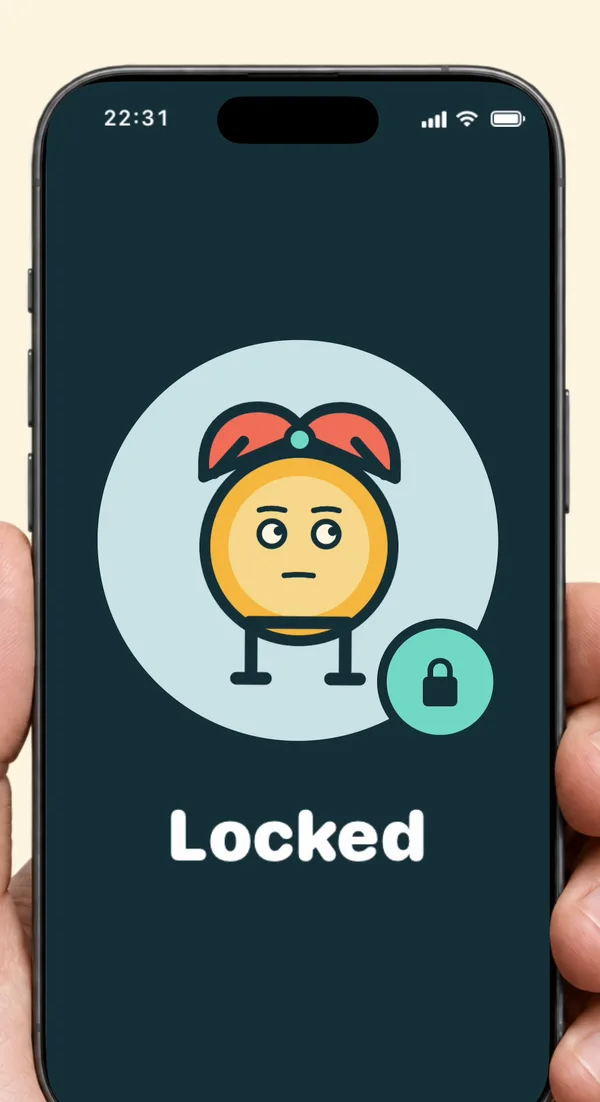
Block distractions at the alarm
Give Session Screen Time access and choose which apps to block. When your Focus Lock alarm rings, iPhone shields those apps.
Step 03
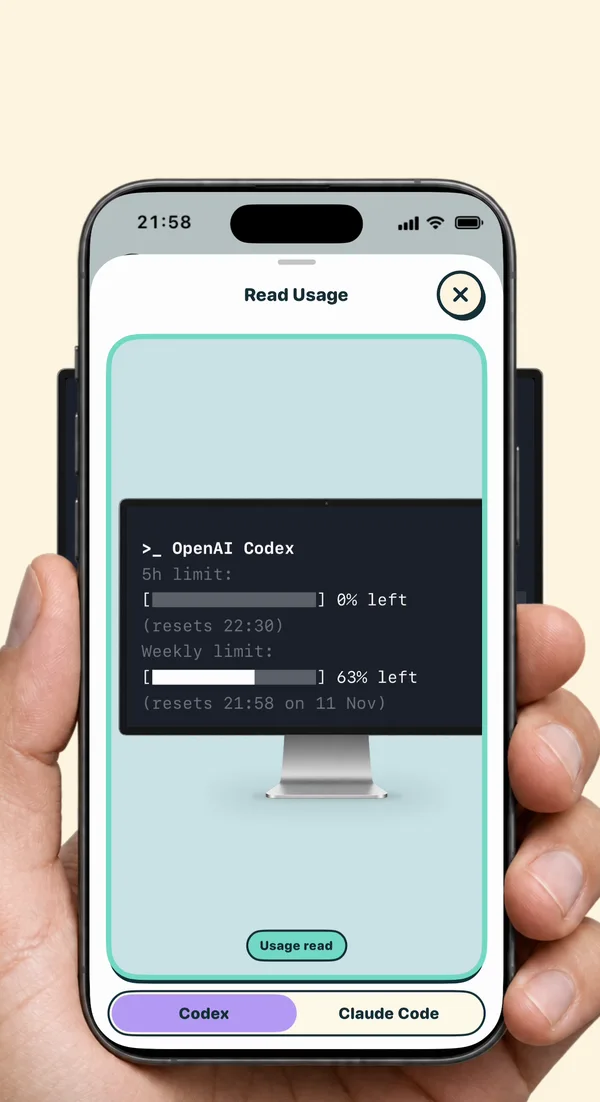
Scan when you’re back at your desk
Scan a supported Codex /status or Claude Code /usage screen. An accepted scan clears the block Session applied. Use Recovery Unlock if you can’t complete the scan.
Want an alarm on its own?
Reminder Only calls you back and leaves your apps available. Choose Focus Lock when you want selected apps blocked at the alarm.
For a daily allowance or a recurring schedule, see how to limit Screen Time on iPhone.