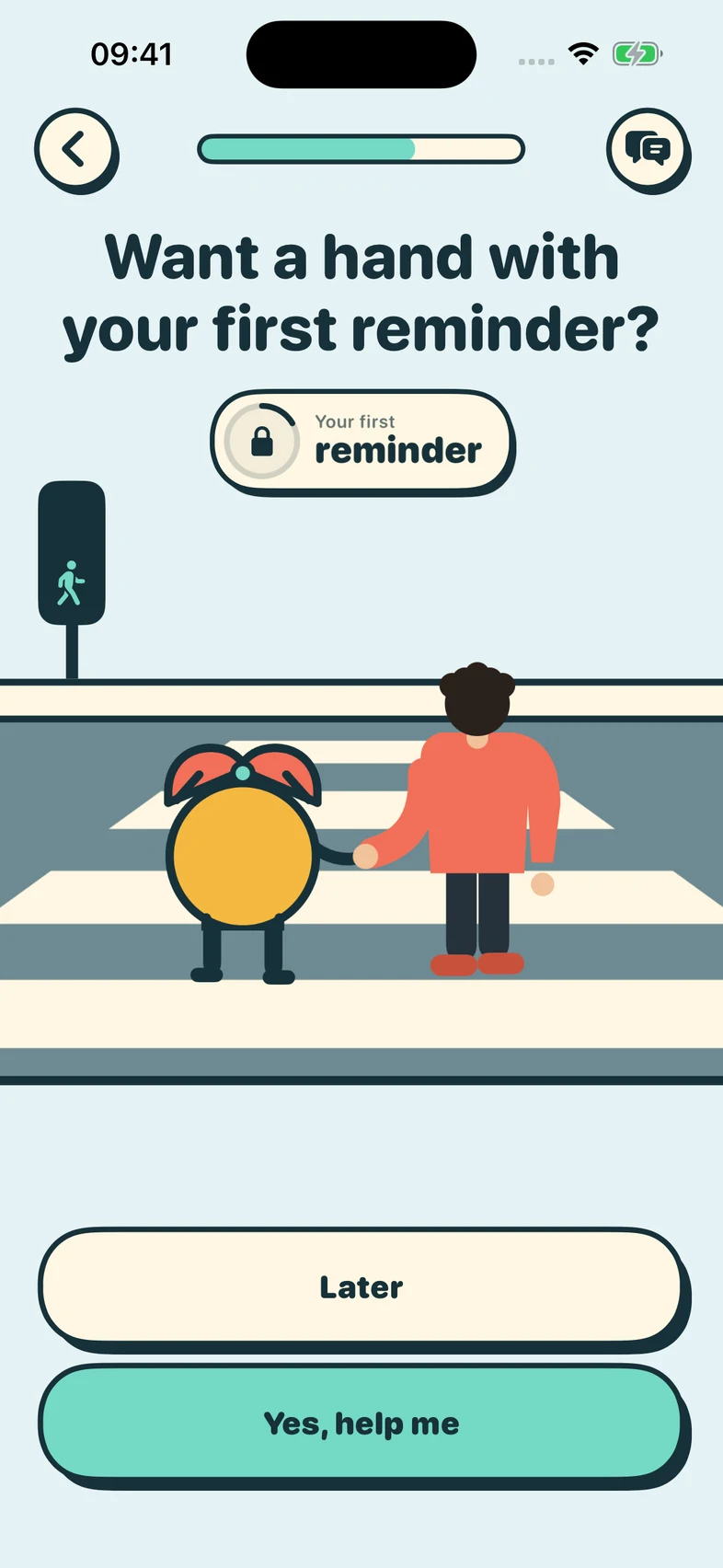
Set up your first reminder
Follow the guided setup, scan a supported Usage screen, or set your return time by hand.
A return point for the work that matters
Set a return time and get back to work. Choose Reminder Only for a single alarm, or Focus Lock to keep selected distractions blocked until you return and scan your work screen.
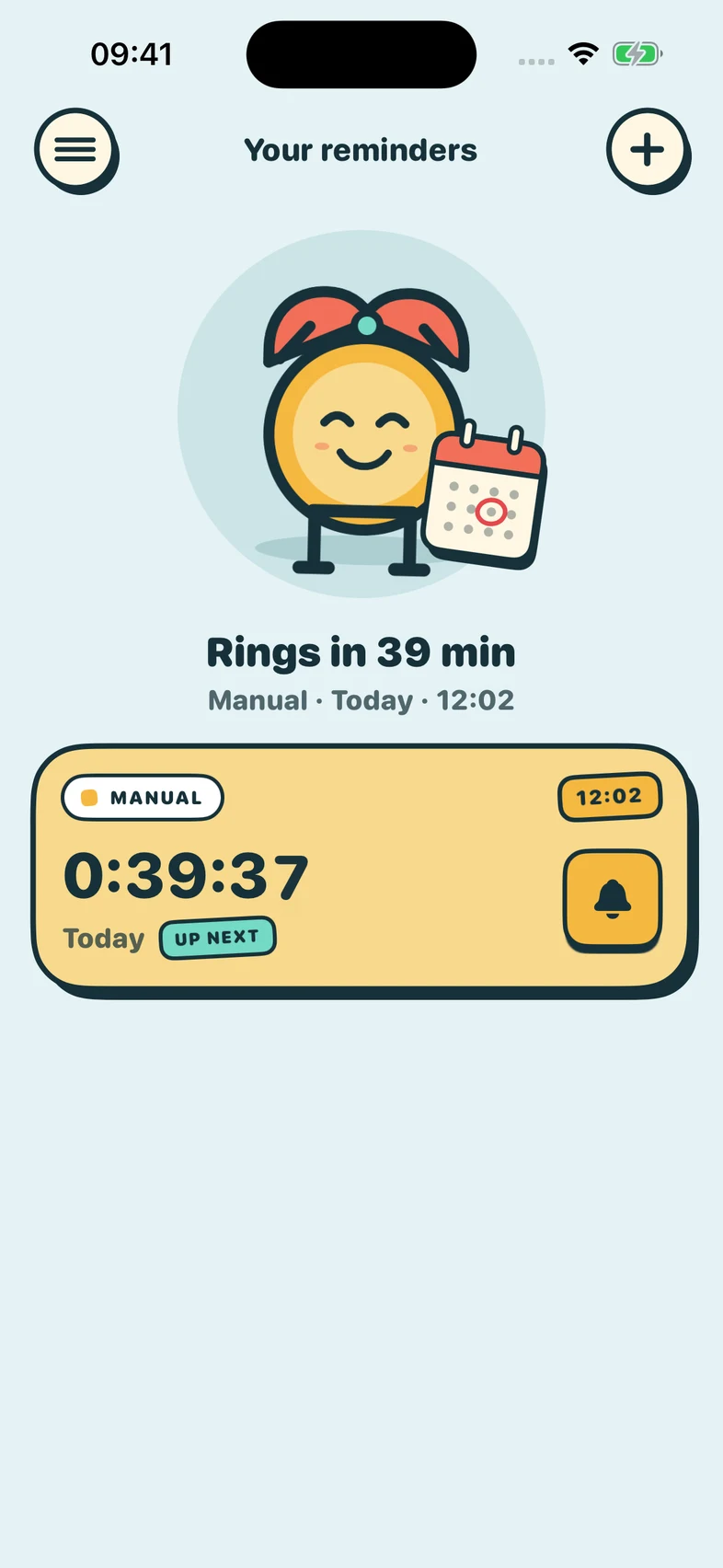
Inside Session
Choose a method, create a return point, and see the countdown stay visible until the next session.
Follow the guided setup, scan a supported Usage screen, or set your return time by hand.
Keep the next session and notification status visible at a glance.
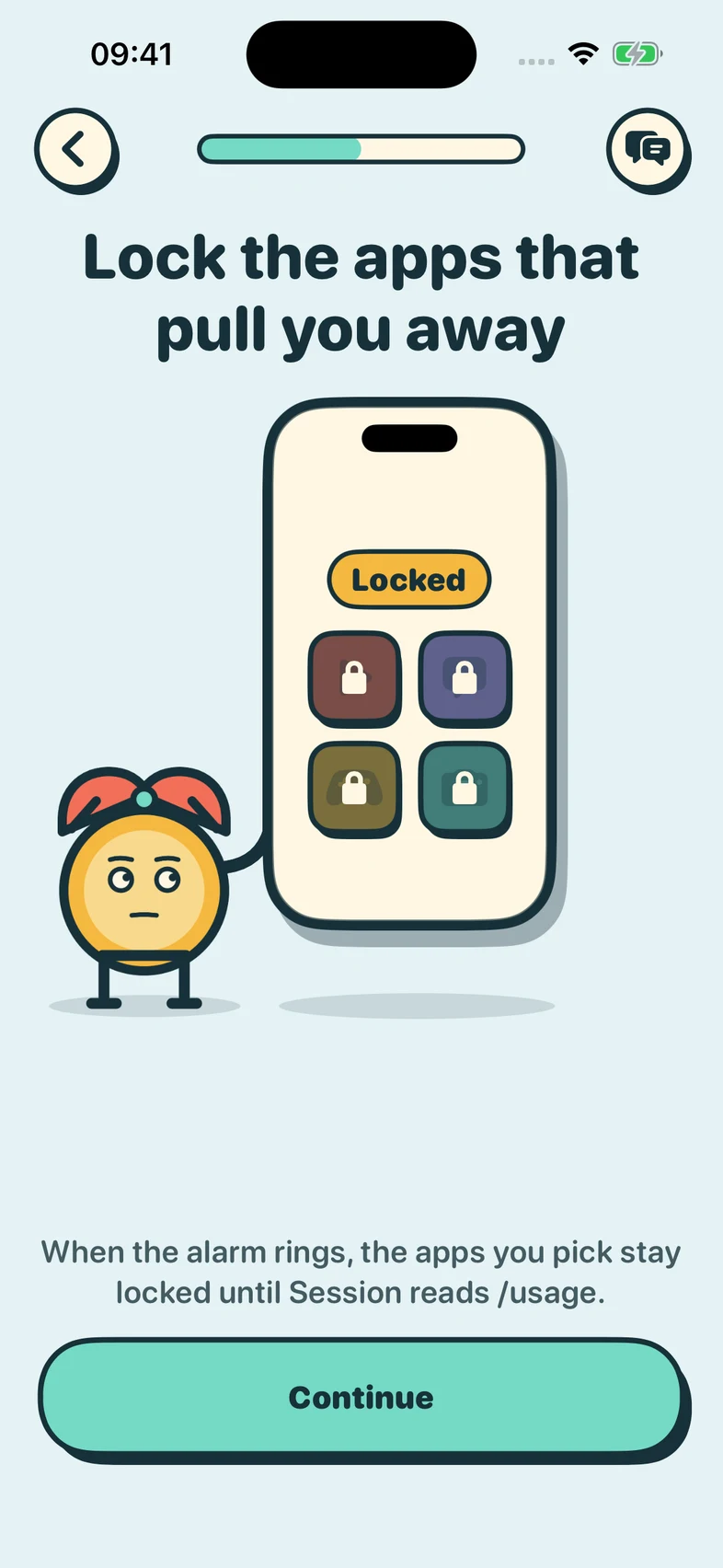
Focus Lock can block the apps you choose with Screen Time permission. Scan your work screen to finish, with Recovery Unlock available.
A simple loop, honestly described
Set a return time manually or confirm one derived from a supported coding-agent usage screen.
Choose a single Reminder Only alarm, or Focus Lock with optional Screen Time blocking for the apps you select.
Scan a supported Codex or Claude Code Usage screen to finish Focus Lock. Recovery Unlock is available if scanning cannot be completed.
Designed with limits
Session is specific about what it can do, what requires permission, and what remains unavailable. That makes every reminder, scan, and recovery path easier to trust.
Session does not control the iPhone lock screen. Reminder Only leaves your apps alone. Focus Lock blocks only what you choose, with permission.
Only explicitly supported usage screens are eligible. Ambiguous or stale scans are rejected.
Default-on product analytics uses bounded data when configured, with a persistent opt-out. Session Replay is removed.
Ready when you are